Project 2 · Portfolio Case
01
LA
LA Portfolio
Student final project · Agentic AI course

A personal portfolio built as a real working product.

This project combines a public website, admin dashboard, contact flow, email notifications, content management, and analytics in one full-stack system.

Next.js Supabase Replit Resend Umami
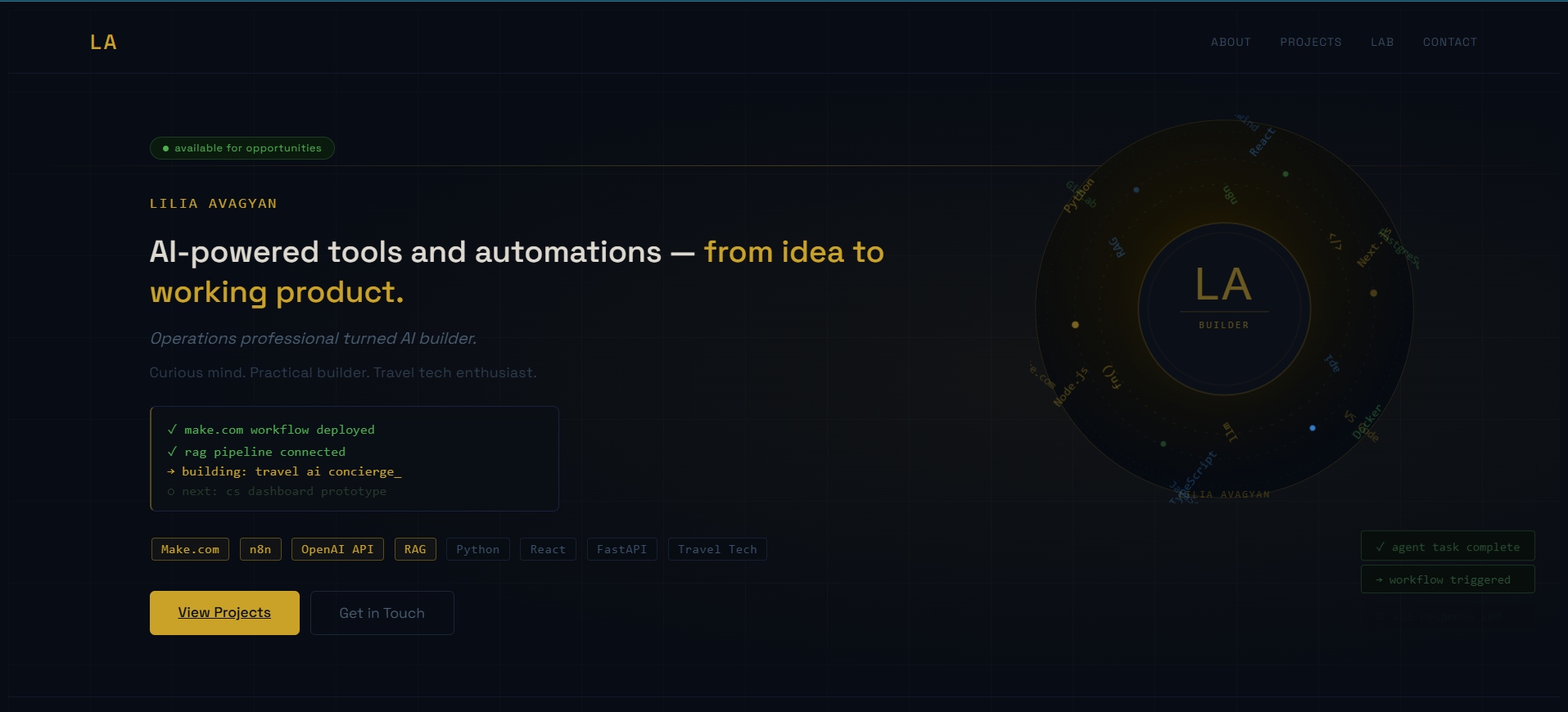
Public website · hero screen
LA Portfolio home hero screen
Goal
02
Project focus

More than a website.

Build a professional portfolio that presents projects clearly and supports real interaction.
Add an admin area to manage portfolio content without editing code for every update.
Connect contact requests, CV requests, email delivery, analytics, and database storage into one workflow.
> assignment
Create a portfolio with admin dashboard,
email notifications, analytics, and live content updates.
Result: a working student project with public pages, backend structure, protected admin access, and content control.
Public website
03
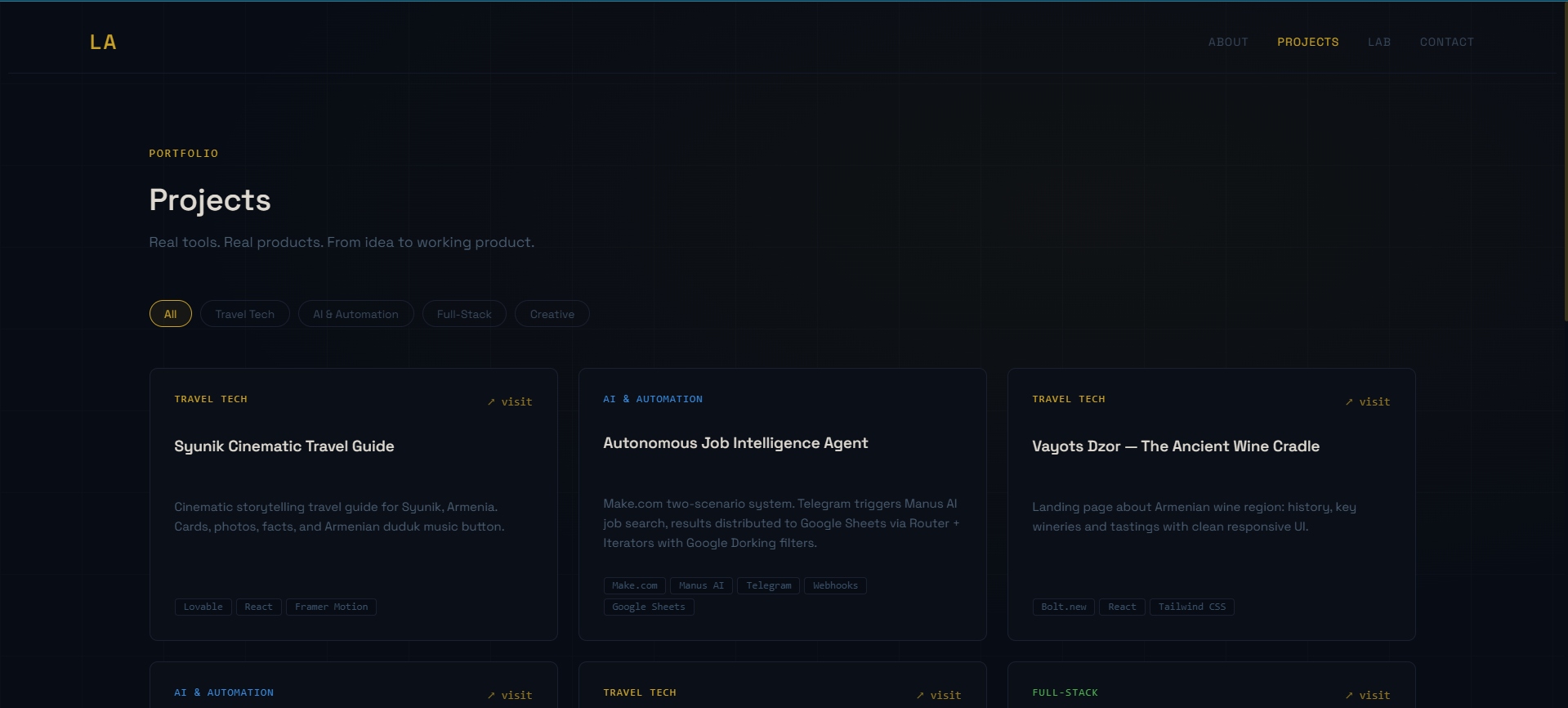
Projects section
Projects grid in LA Portfolio
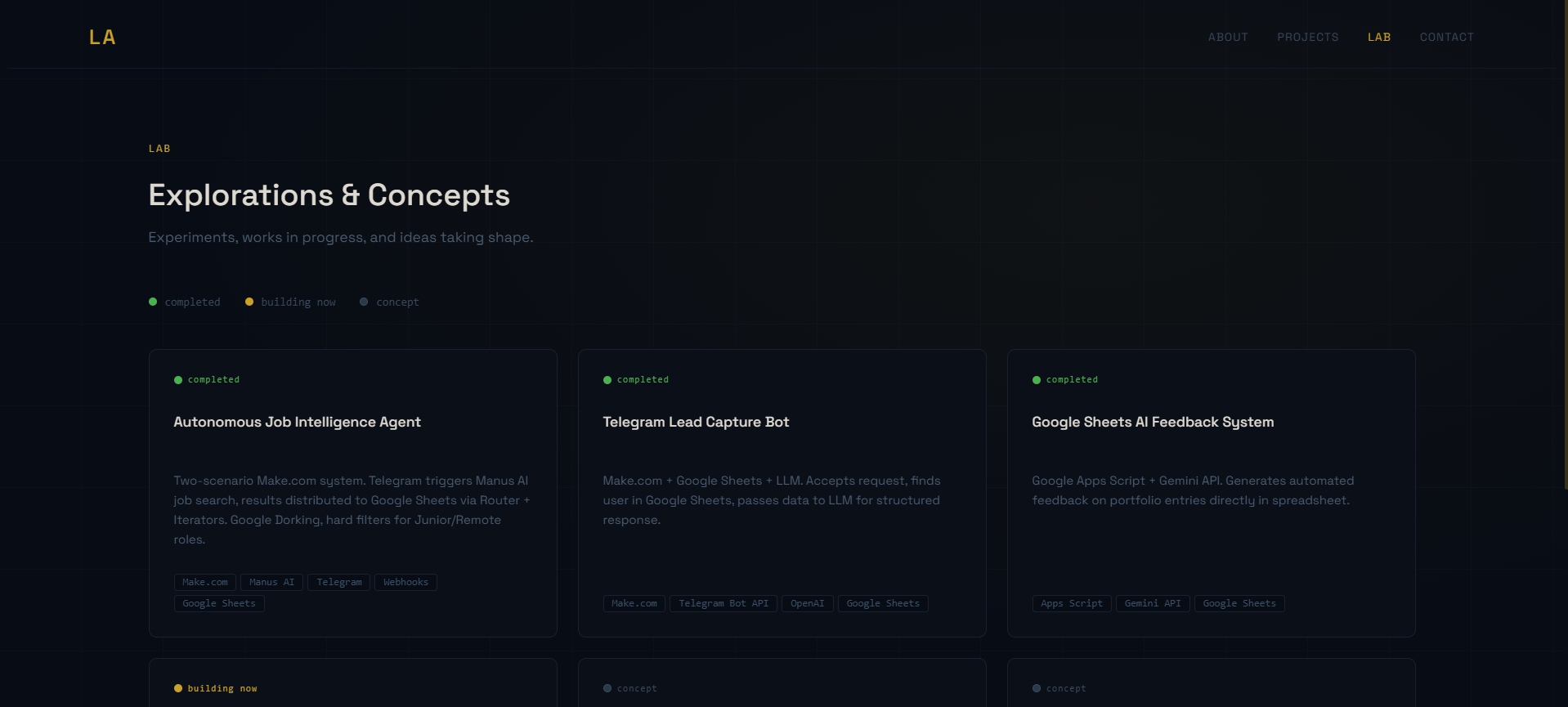
Lab section
Lab section in LA Portfolio
The public site is split into clear sections: Home, Projects, Lab, and Contact.
Projects are grouped by category, while Lab keeps experiments visible with honest statuses such as completed, building now, and concept.
Contact flow
04
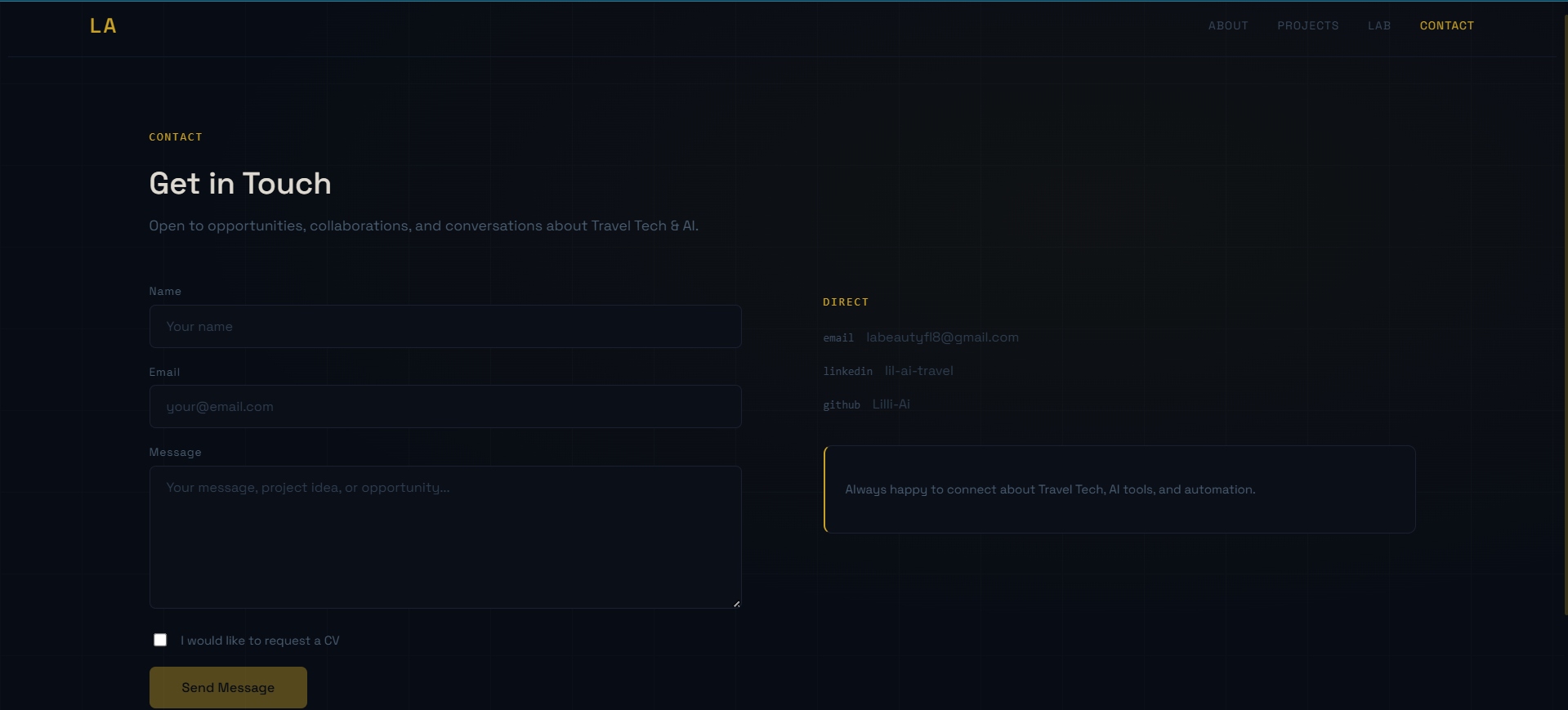
Contact form
Contact form on LA Portfolio
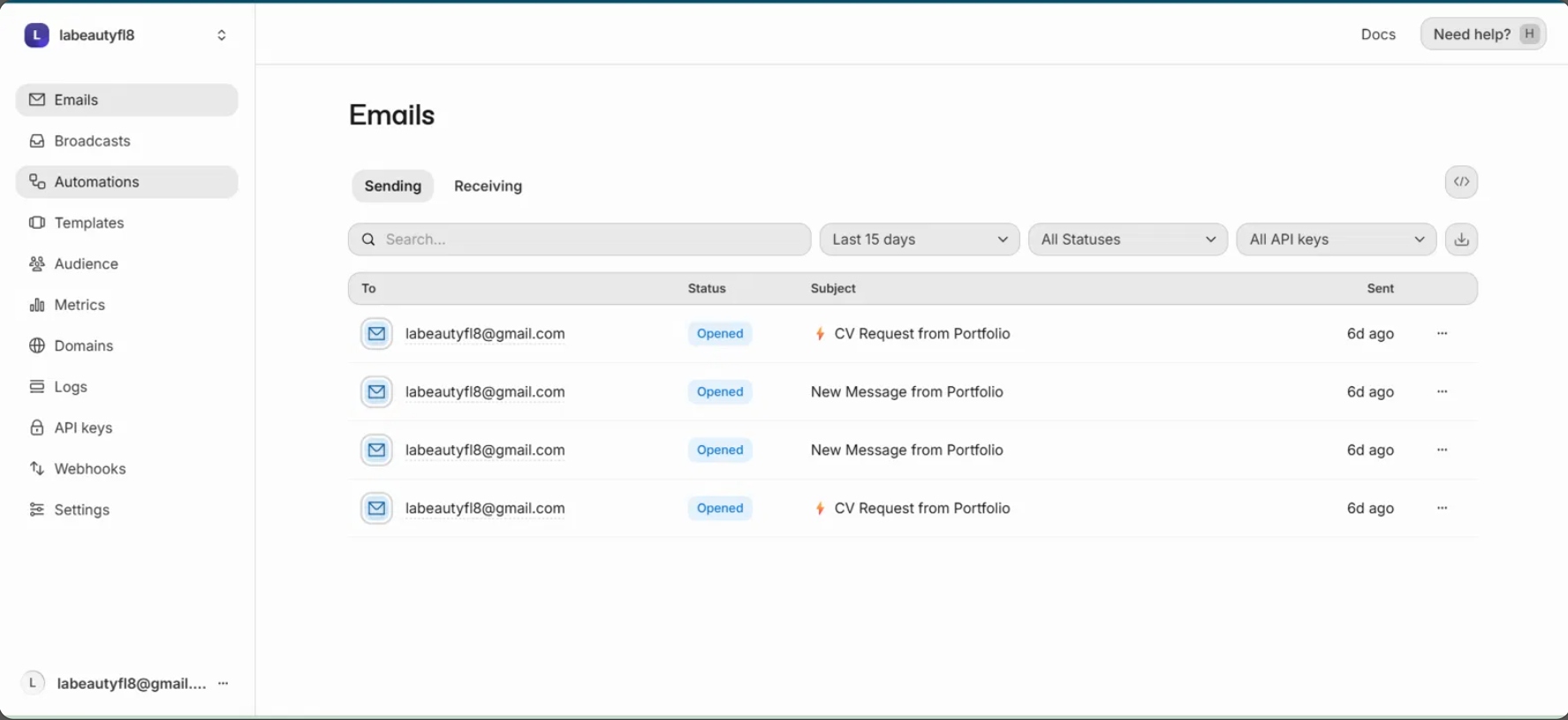
Email proof in Resend
Resend email log for portfolio messages
Contact form → messages table → Edge Function → Resend API → email notification. The same flow also supports CV requests.
Admin dashboard
05
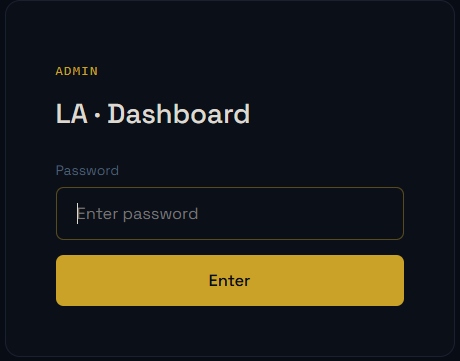
Protected access
Admin password screen
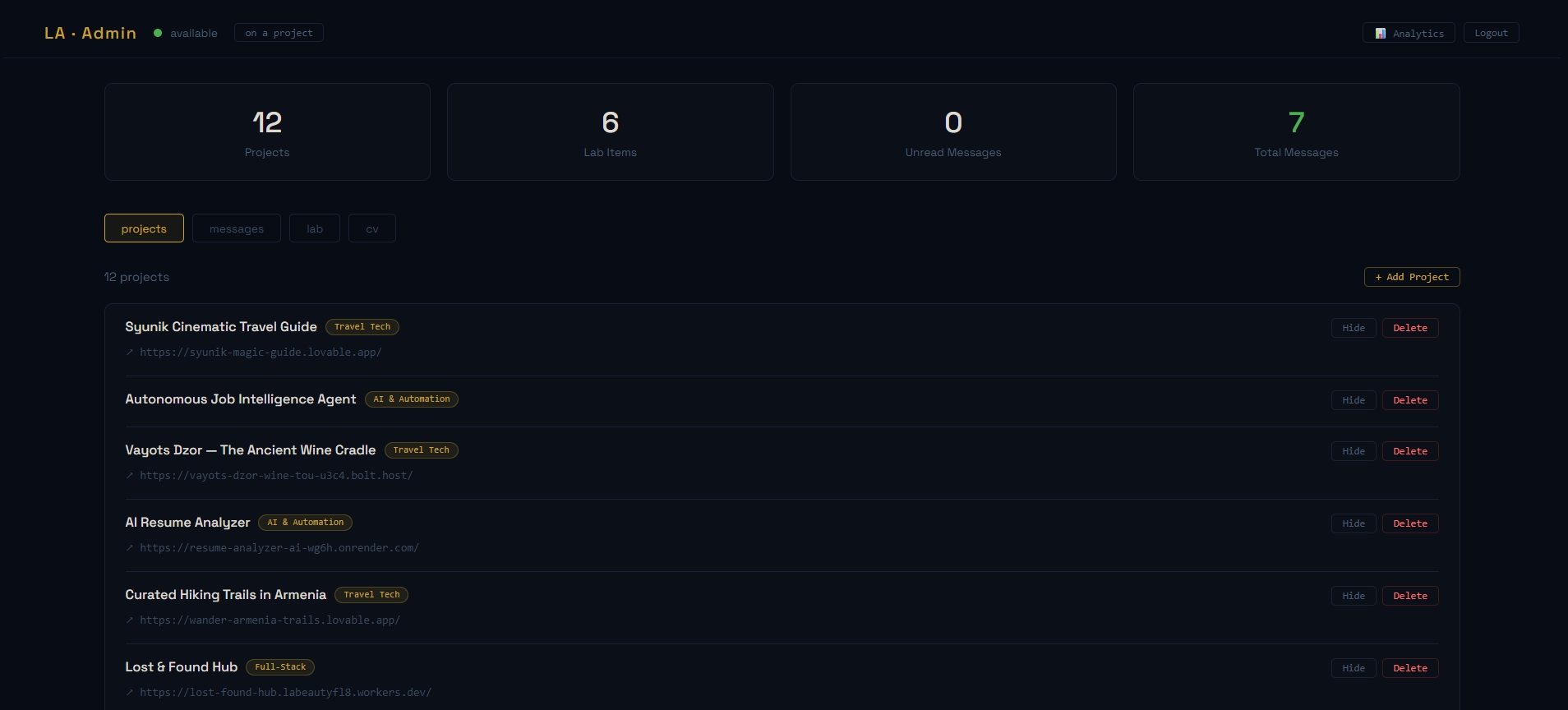
Projects tab
Admin projects tab
Messages tab
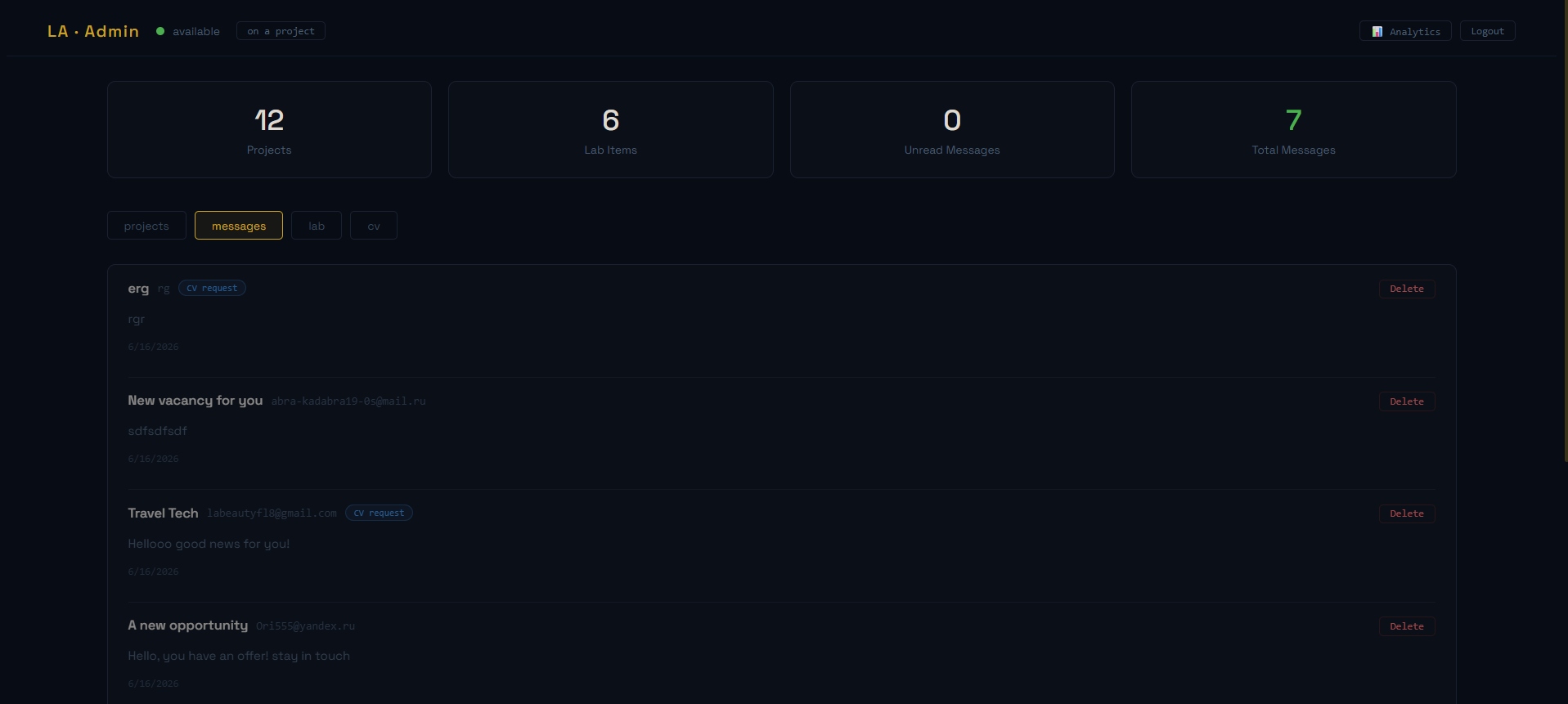
Admin messages tab
The admin panel is separated from the public site and opens through a protected /admin route.
It supports project updates, message review, and direct handling of incoming CV requests.
Admin details
06
Lab management
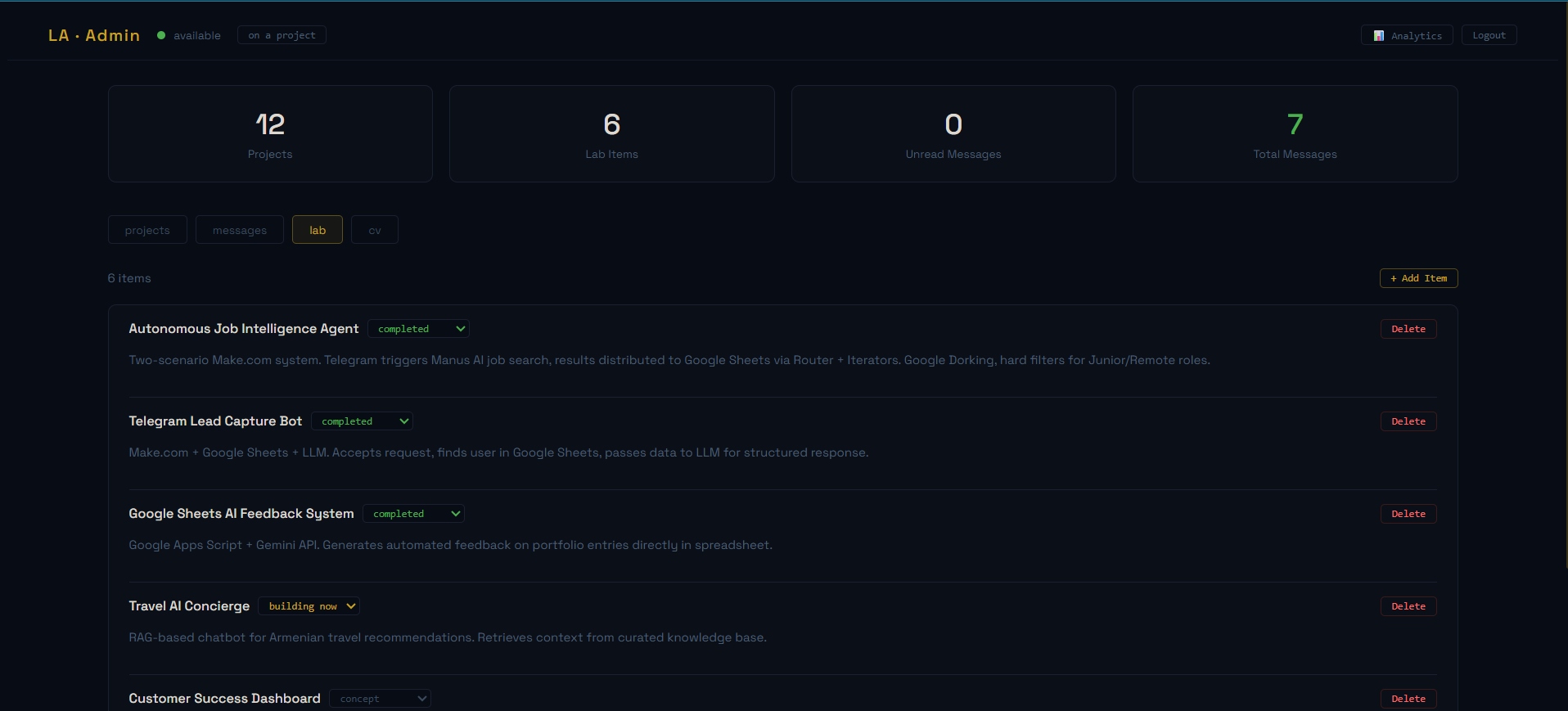
Admin lab tab
CV upload
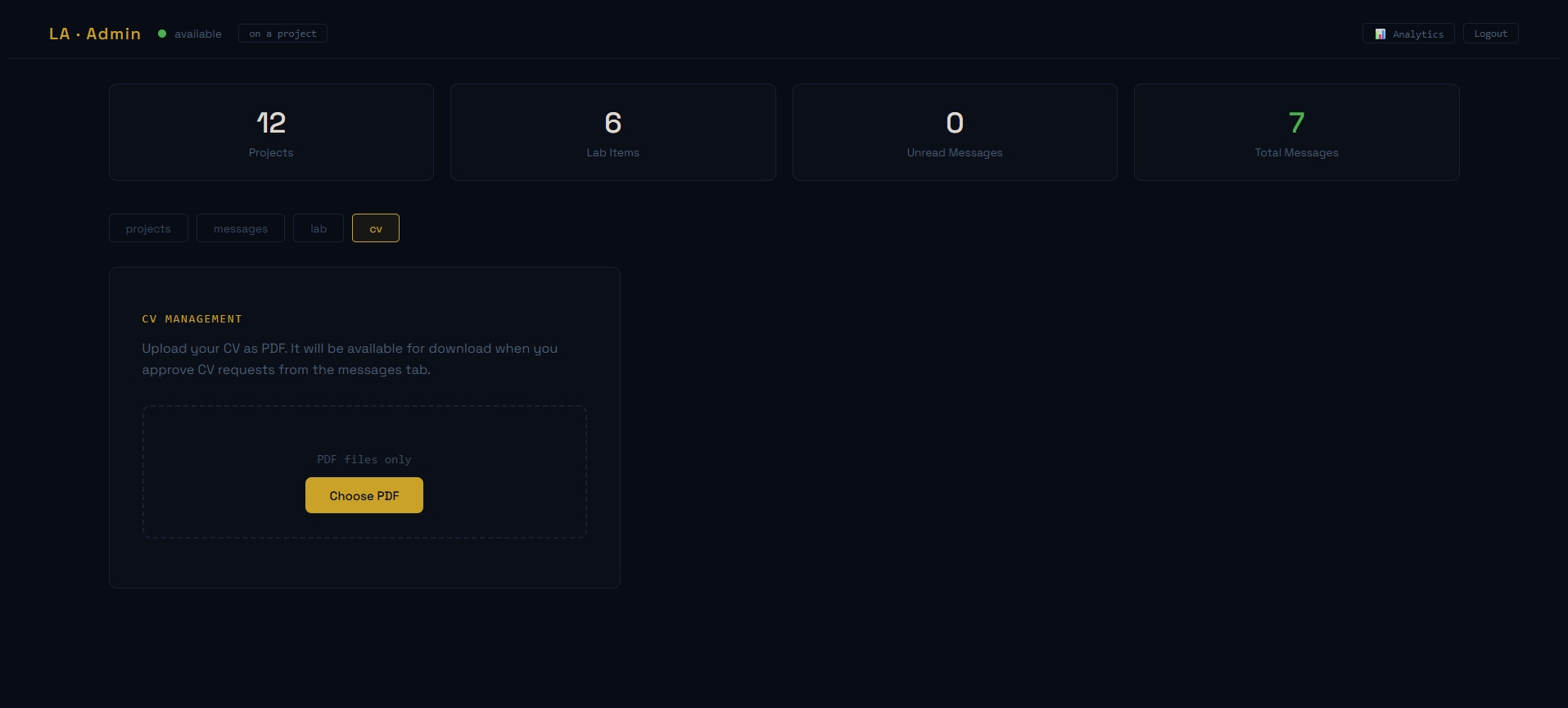
Admin CV upload tab
Lab items can be managed with status labels, which keeps experiments structured and transparent.
The CV is uploaded from the dashboard, so the file can be updated without touching code or redeploying the whole site.
Supabase backend
07
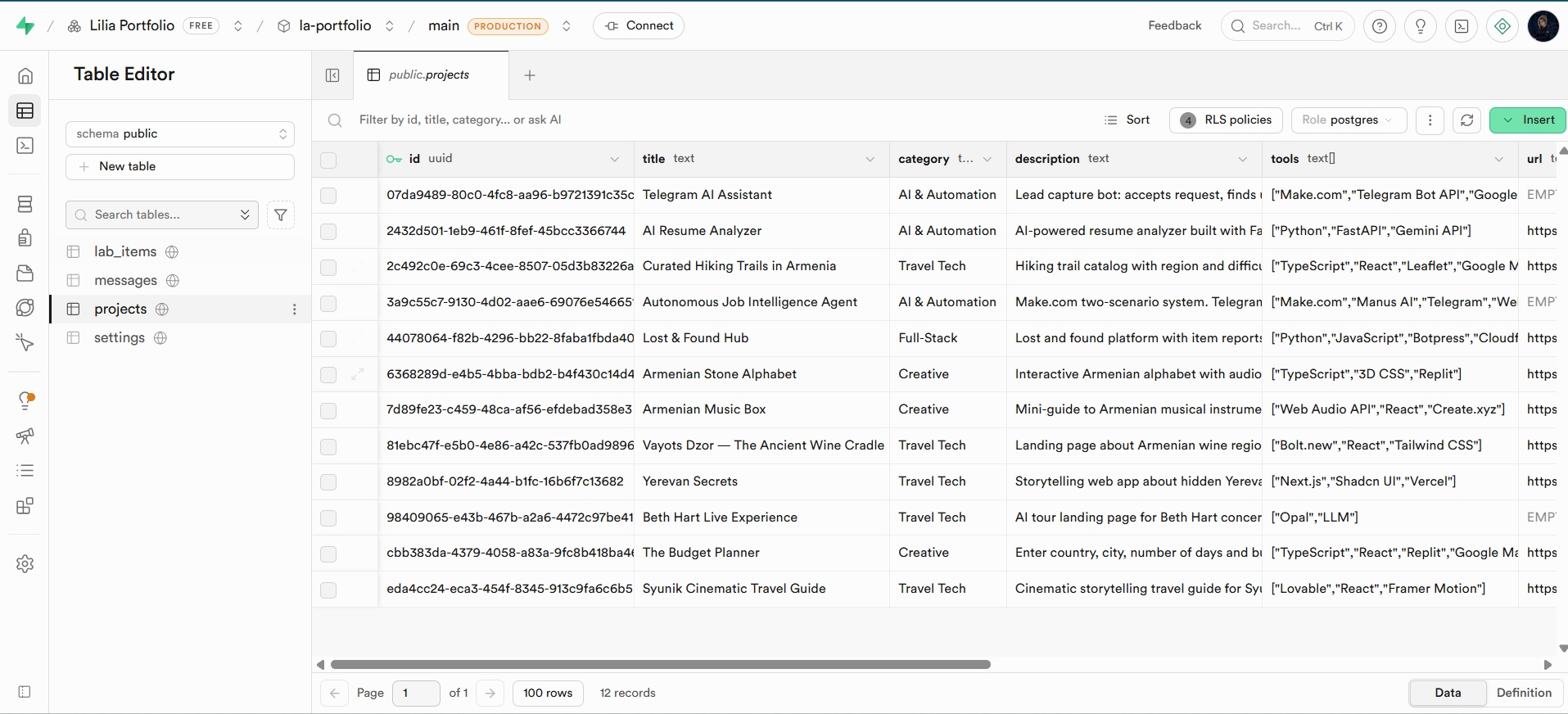
projects table
Supabase projects table
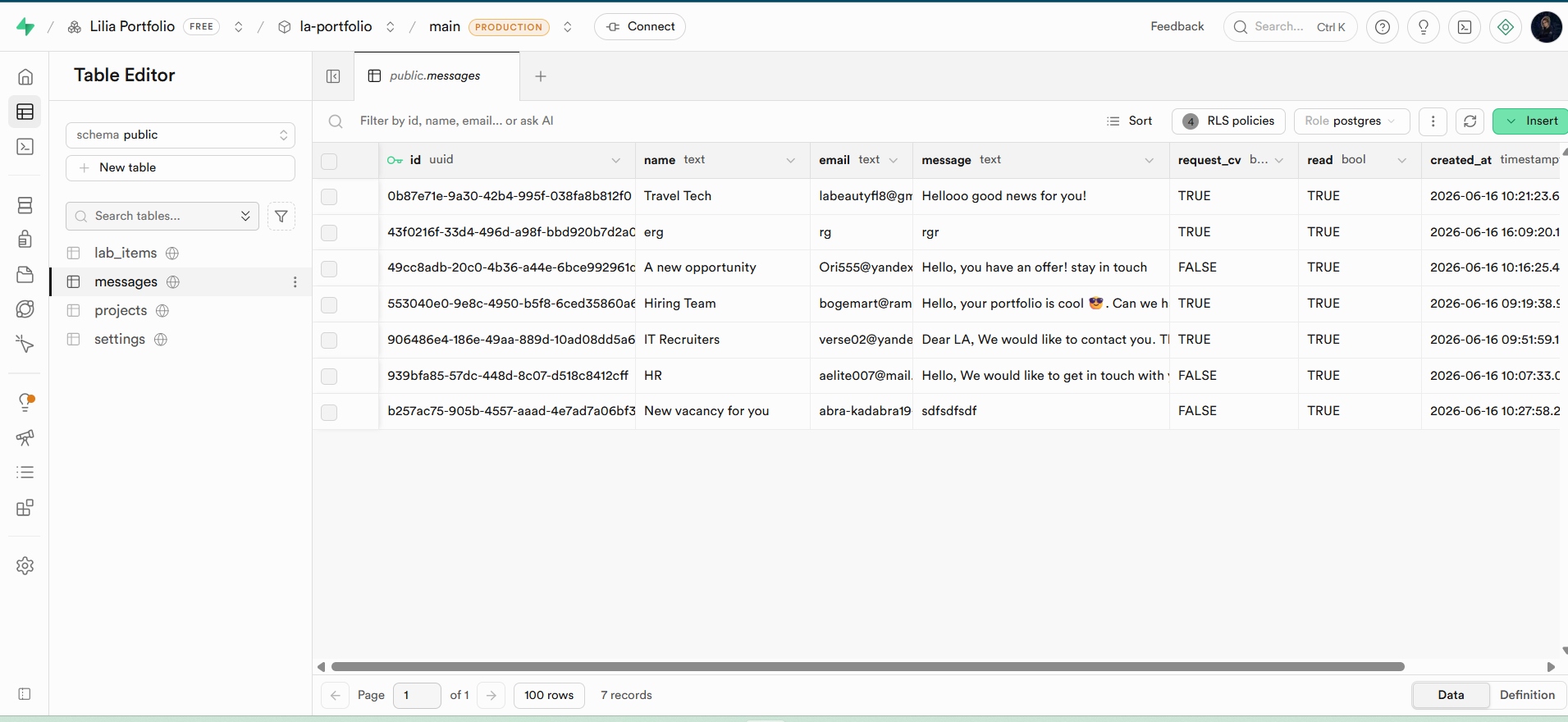
messages table
Supabase messages table
Supabase stores the live project cards, incoming contact messages, and site content in structured tables.
This backend setup makes the portfolio editable, searchable, and much easier to maintain over time.
Database structure
08
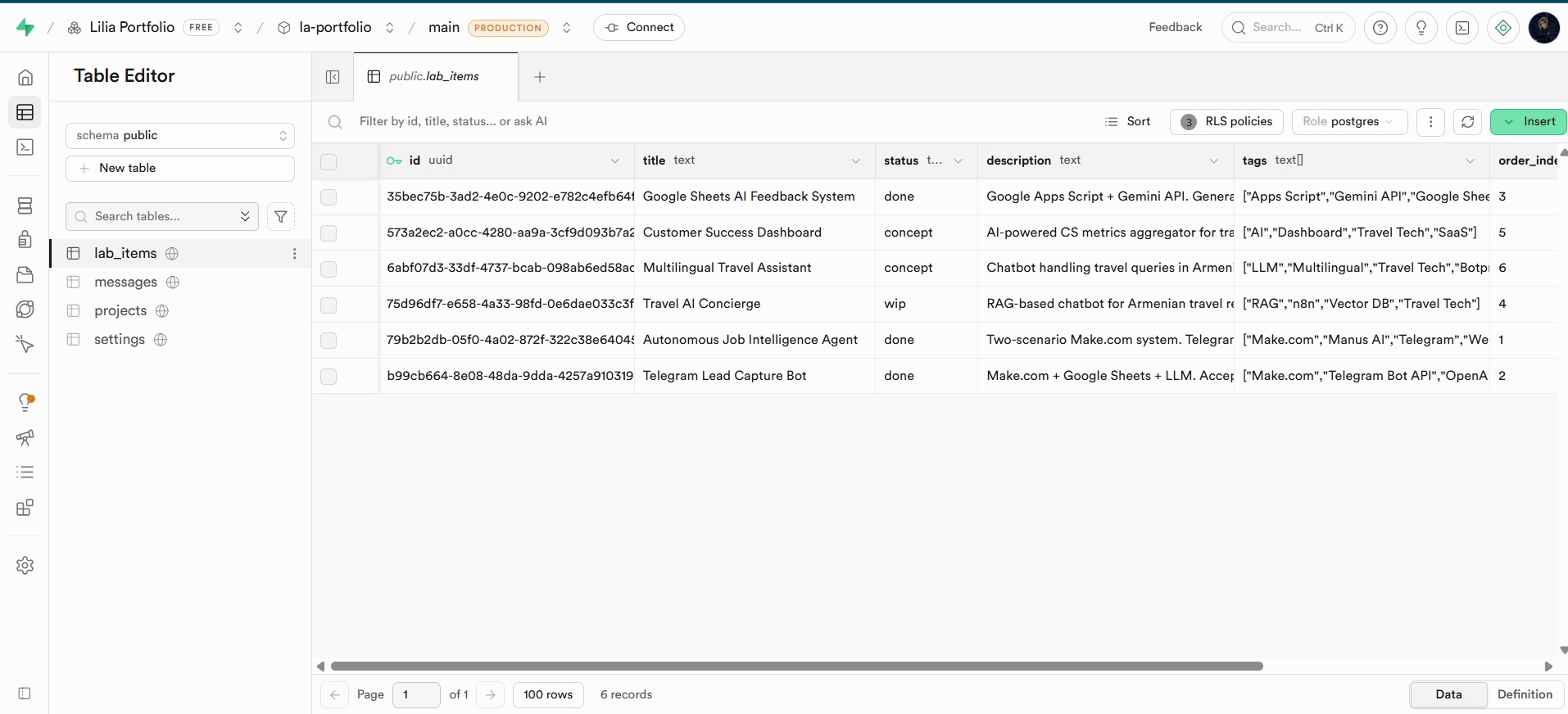
lab_items
Supabase lab items table
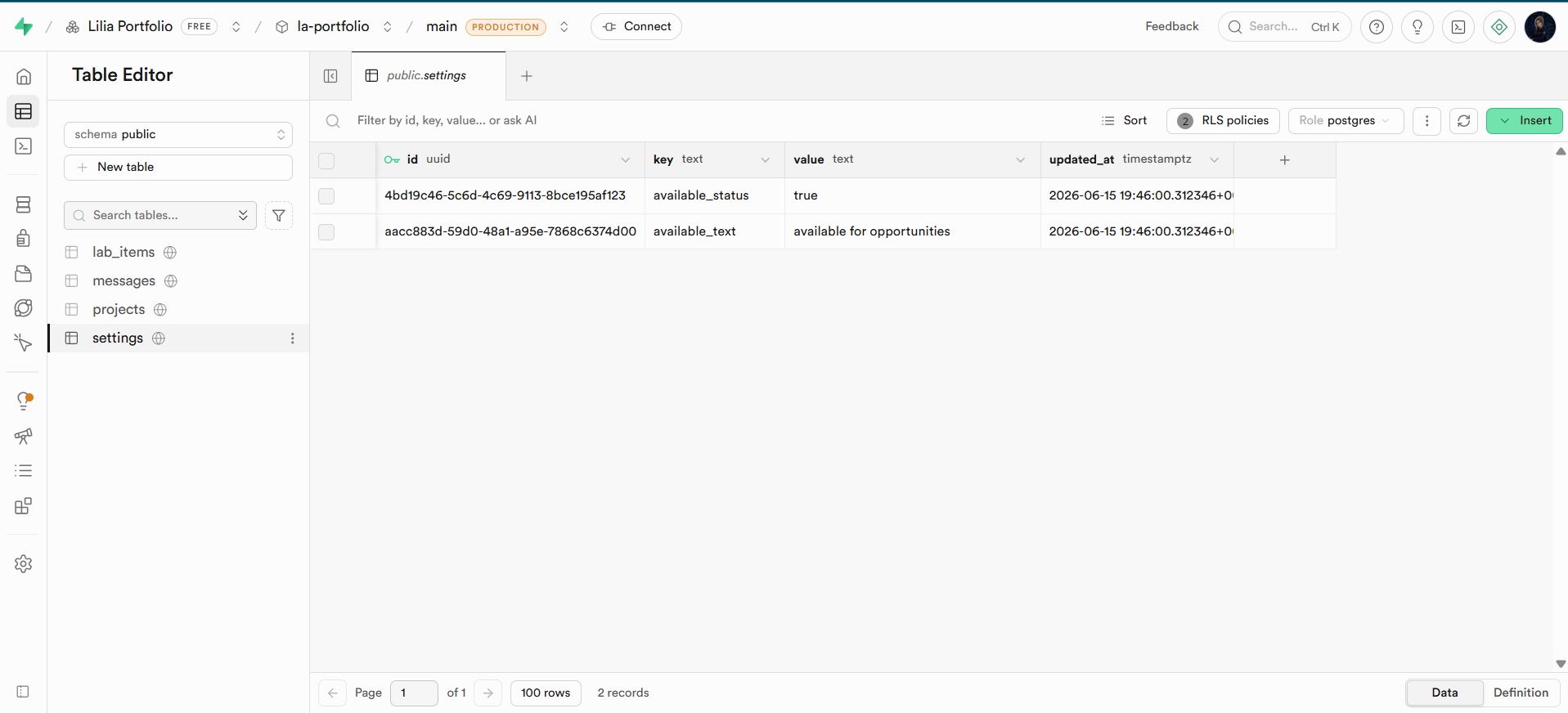
settings
Supabase settings table
Four main tables

projects, lab_items, messages, settings

This structure separates portfolio cards, experiments, user messages, and site-level settings. It keeps the app easier to update and safer to scale.

RLS rules protect database access, while storage is used for the CV file.

Analytics
09
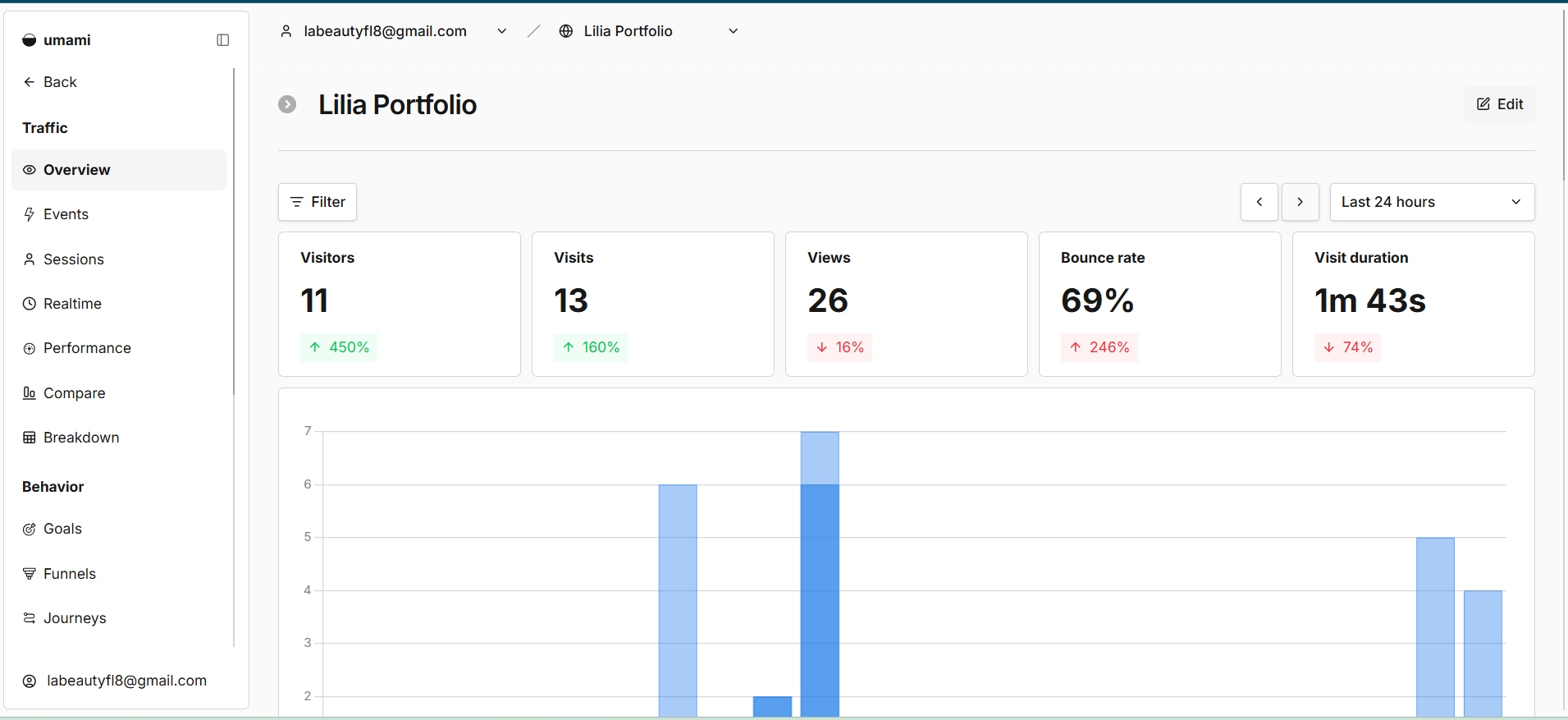
11
Visitors
13
Visits
26
Views
69%
Bounce rate
1m 43s
Visit duration
Umami main dashboard
Umami main analytics dashboard
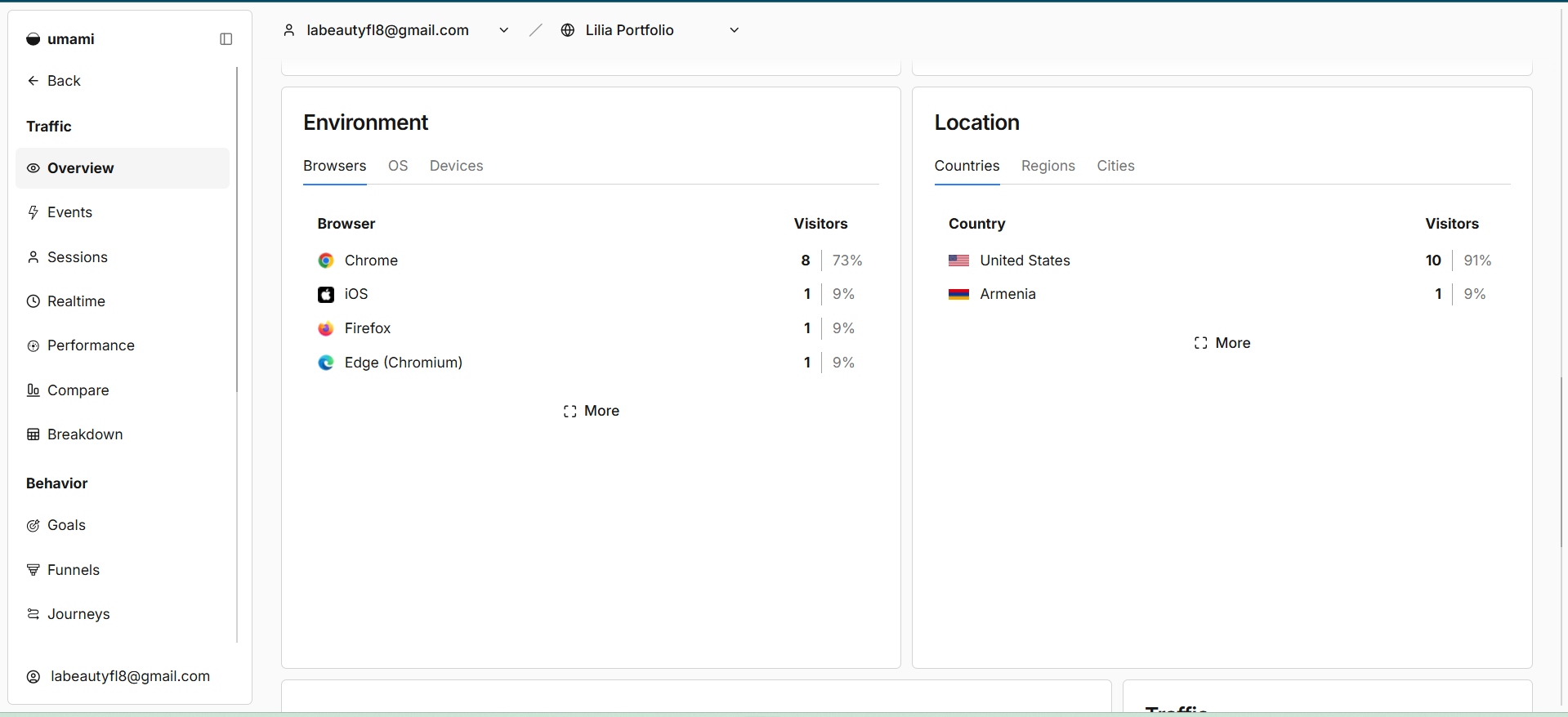
Visitors and locations
Umami overview with browsers and visitor countries
SEO and sharing
10
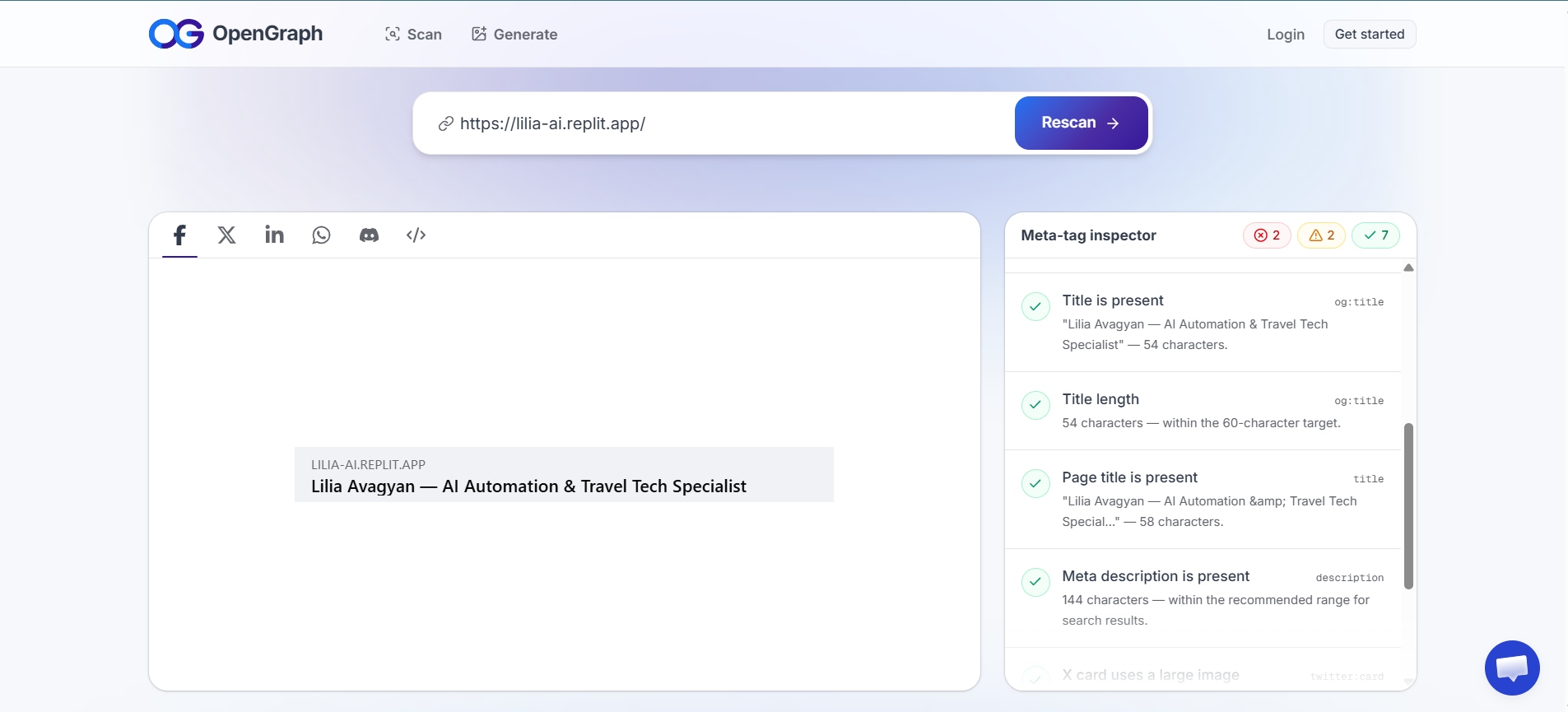
Open Graph and meta tags
Open Graph inspector for LA Portfolio
Custom LA favicon proof
Browser tab showing the custom yellow LA favicon on lilia-ai.replit.app
Final polish

Details that make the site ready to share.

Metadata was added for title, description, Open Graph, and social preview behavior.
A custom LA favicon was also added, so the portfolio keeps its own visual identity even in the browser tab.
The final result is not only functional, but also presentable when shared with tutors, organizers, or contacts.